VoxShaper drafts blueprints for Minecraft: spheres and domes, tubes, cones and circles, along with roofs, arches and vaults. Smoothed edges make curves look round, even in a world made of blocks.
How it works
Pick a basic shape from the menu at the top, from simple geometric solids to roofs and vaults. Set the dimensions on the left and, if you like, the smoothing on the right. The preview in the middle follows every change instantly.
Happy with the result? Download it from the title bar, as a schematic for Litematica, WorldEdit or the Structure Block, or as a 3D model. Or build it yourself, layer by layer, in the 3D view as well as in the floor plan.
Smoothed edges
Instead of stepping every curve out of full cubes, VoxShaper uses stairs, slabs and other partial blocks wherever the surface runs shallow enough. The result is a calm silhouette rather than jagged steps.
Open, no account
No account, no sign-up, nothing to unlock: every feature is open to everyone. Your settings are stored only in your browser.
Building cones in Minecraft
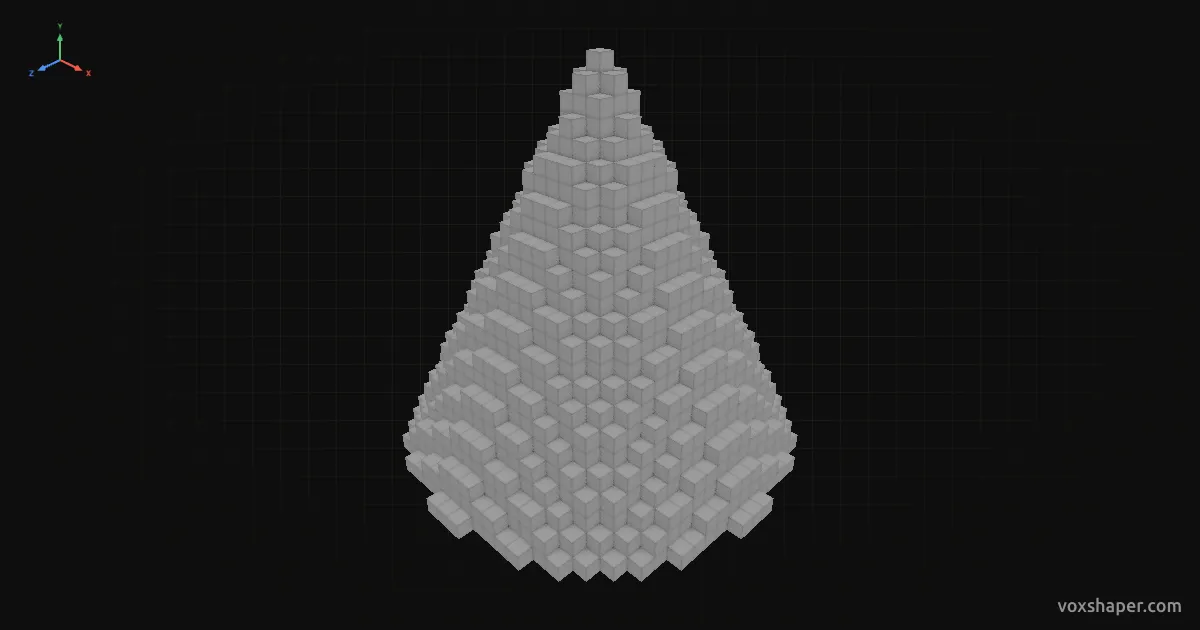
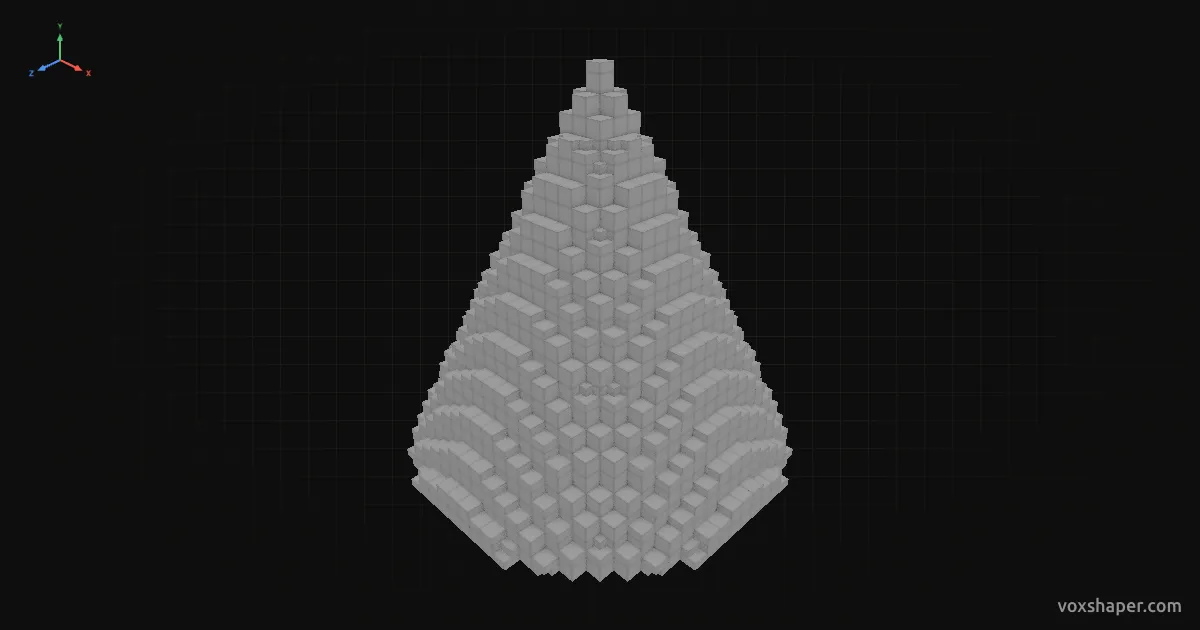
Full blocks onlyWith edge smoothing
A cone sits as a pointed roof on round towers and shapes tents, witch hats and volcanoes. VoxShaper works out the round cross section of every layer so the tip tapers evenly.
Setting the shape
Radius and height decide how pointed the cone is. For a tower roof, match the radius of the cone to the tower; the height is usually two to three times that. A top face above zero cuts off the tip.
Built hollow the cone becomes a roof, built solid a hill or volcano.
Smooth faces
Stairs and slabs smooth out the steps between layers. On shallow cones in particular the surface looks much calmer.
Build or export
Rebuild the cone layer by layer or download it as a schematic for Litematica, WorldEdit or the Structure Block.