VoxShaper drafts blueprints for Minecraft: spheres and domes, tubes, cones and circles, along with roofs, arches and vaults. Smoothed edges make curves look round, even in a world made of blocks.
How it works
Pick a basic shape from the menu at the top, from simple geometric solids to roofs and vaults. Set the dimensions on the left and, if you like, the smoothing on the right. The preview in the middle follows every change instantly.
Happy with the result? Download it from the title bar, as a schematic for Litematica, WorldEdit or the Structure Block, or as a 3D model. Or build it yourself, layer by layer, in the 3D view as well as in the floor plan.
Smoothed edges
Instead of stepping every curve out of full cubes, VoxShaper uses stairs, slabs and other partial blocks wherever the surface runs shallow enough. The result is a calm silhouette rather than jagged steps.
Open, no account
No account, no sign-up, nothing to unlock: every feature is open to everyone. Your settings are stored only in your browser.
Building domes in Minecraft
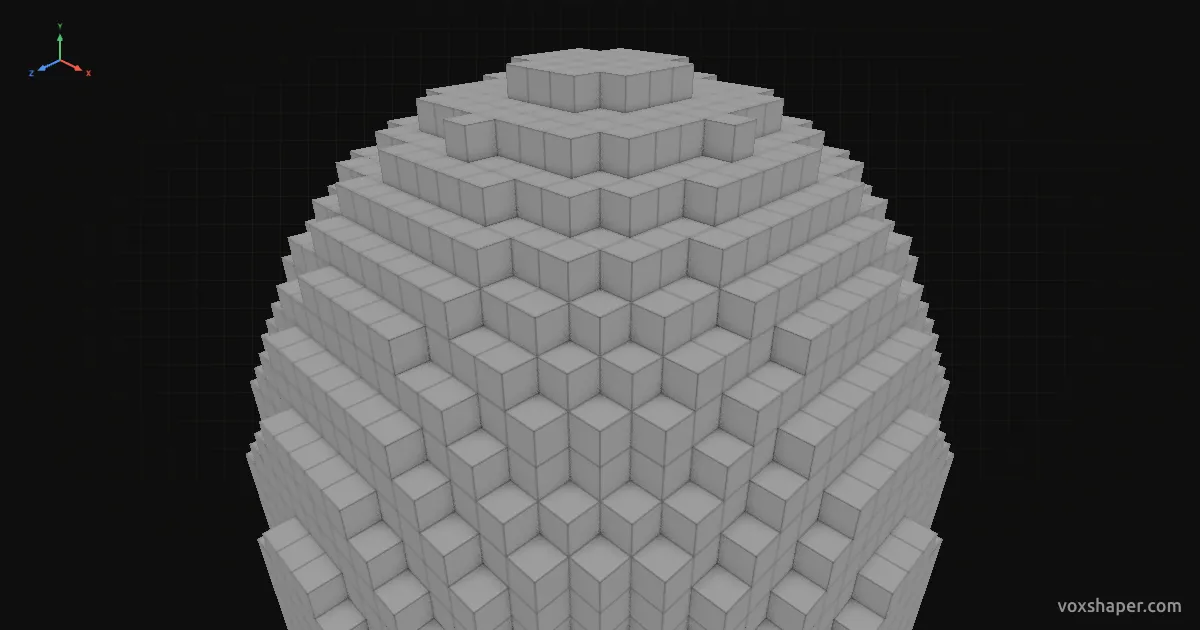
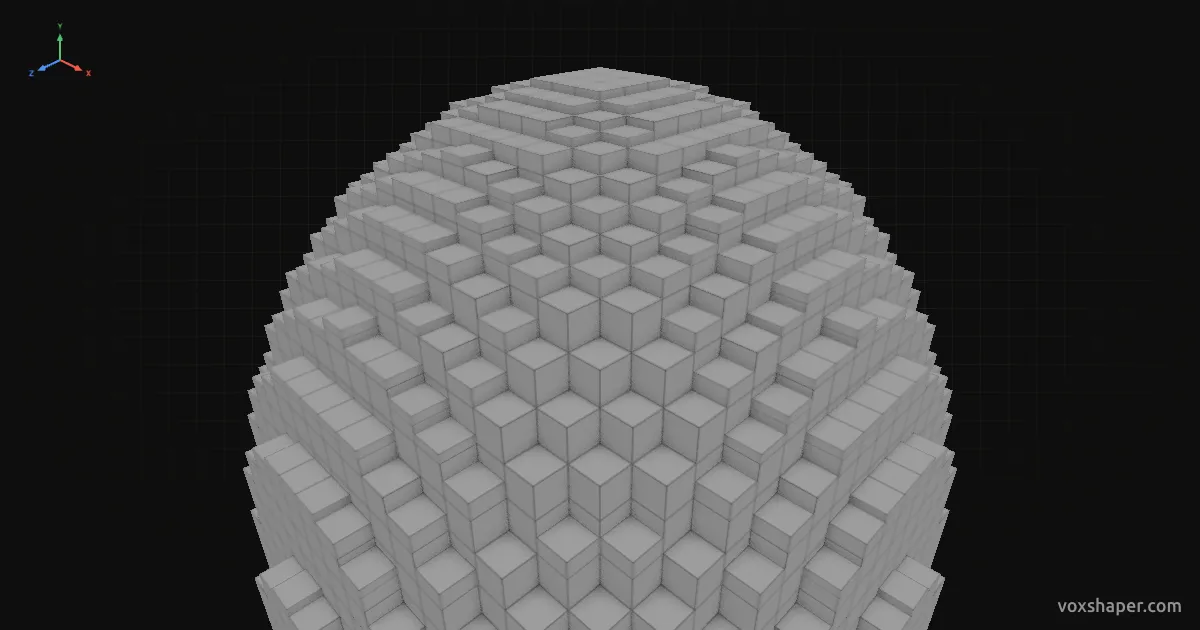
Full blocks onlyWith edge smoothing
A dome is a sphere without its lower part. It crowns churches, mosques and observatories and makes a glass cover for underwater bases. VoxShaper shows it as a 3D model and layer by layer.
Setting the height
Trim removes block layers from the bottom. With radius 12 and 12 trimmed layers you get a hemisphere 25 blocks across. Less trim gives a tall, almost spherical dome, more trim a shallow bowl.
With separate radii the dome becomes oval or raised, like many historic buildings.
A smooth surface
Near the top in particular, a dome made of full blocks looks stepped. Stairs and slabs fill these steps and let the surface run out smoothly. Seat cushions can be added to flat tops if you like.
Build or export
Rebuild the dome by hand with the layer view or download it as a schematic for Litematica, WorldEdit or the Structure Block.