Building horseshoe arches in Minecraft
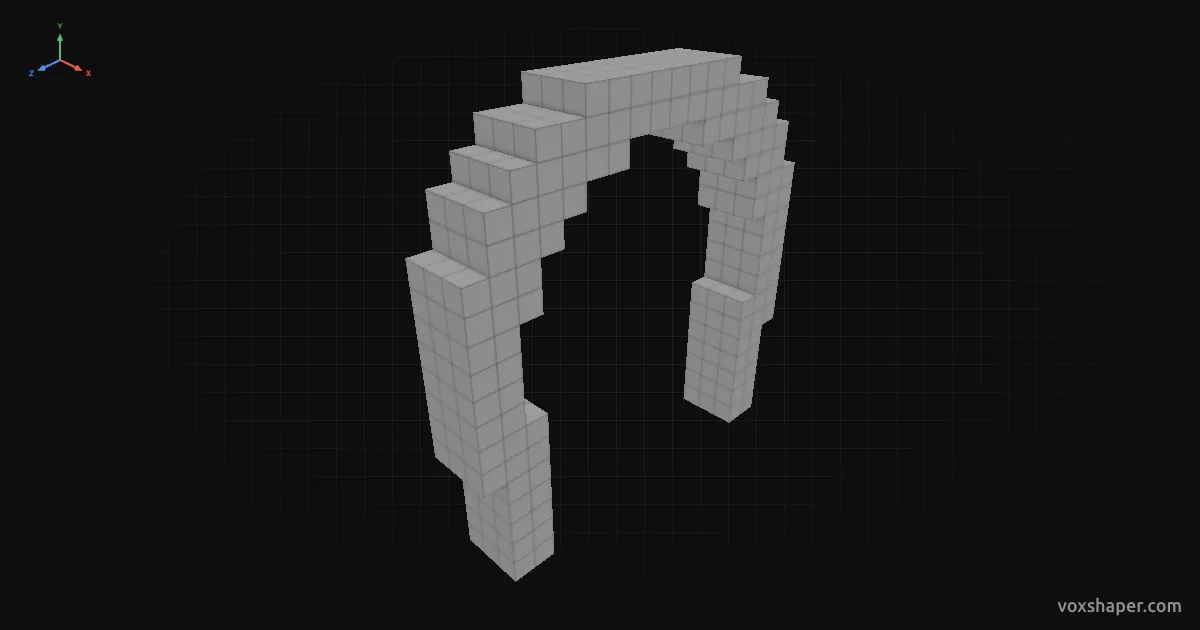
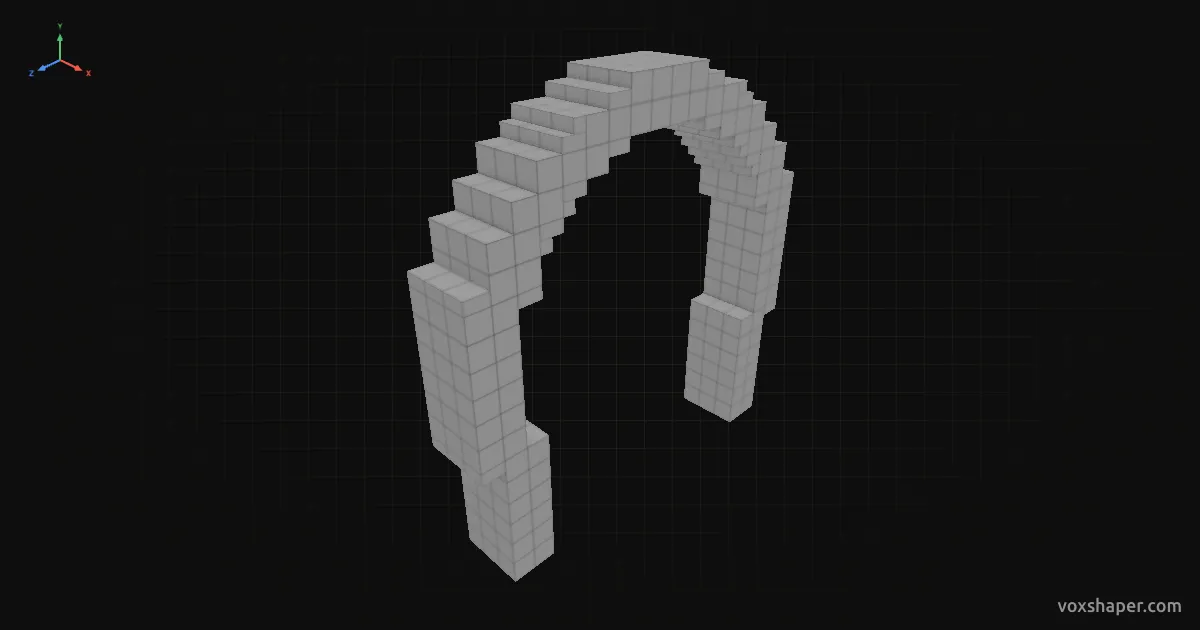
A horseshoe arch is more than a semicircle: above the springing line it grows wider than the opening below and then narrows again. You know it from Moorish gates, mosques and palaces. By hand the narrowing is hard to get right. VoxShaper works out the circle and shows you every block.
Setting the shape
Radius Z sets half the clear width between the piers, the rise sets how far the crown sits above the springing line. The further the rise exceeds half the span, the more the arch swells. With the rise equal to half the span it is a round arch, below that a segmental arch. The pier height sets the vertical part below the springing line, the arch thickness how thick the arch is.
With the bridge fill the arch becomes an opening in a wall, like a gate in masonry. A larger radius X turns it into a passage.
The arch types
Round/pointed is a semicircle squashed or stretched to the rise. It always leaves the piers vertically, and the pointed arch slider gives it a point at the top.
Segmental and horseshoe are the same arch: a true circle through both springing points and the crown. The rise moves the crown, and the circle follows. If it is smaller than radius Z, the centre of the circle lies below the springing line and you only see a shallow cap. That is the segmental arch. If it is larger, the centre lies above the springing line: the arch grows wider than the opening and narrows again towards the bottom. That is the horseshoe arch.
The transition is seamless. With the rise equal to radius Z it is exactly a semicircle. Drag the rise across that limit and the selection therefore switches between segmental and horseshoe by itself.
Build or export
Rebuild the arch layer by layer or download it as a schematic for Litematica, WorldEdit or the Structure Block.