Building a torus in Minecraft
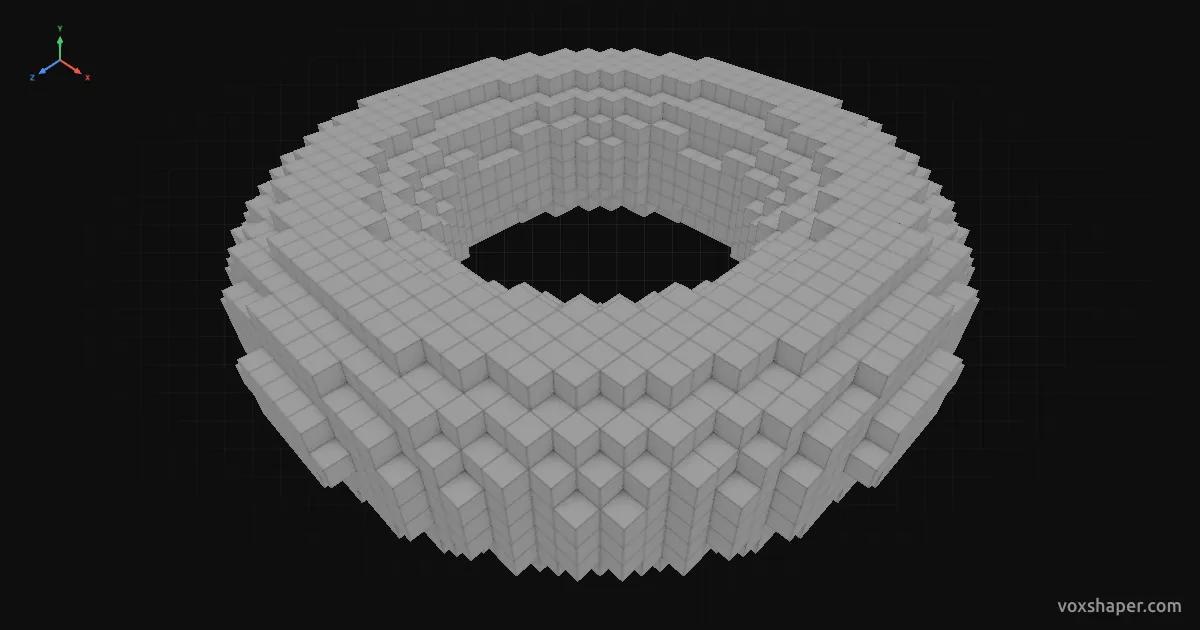
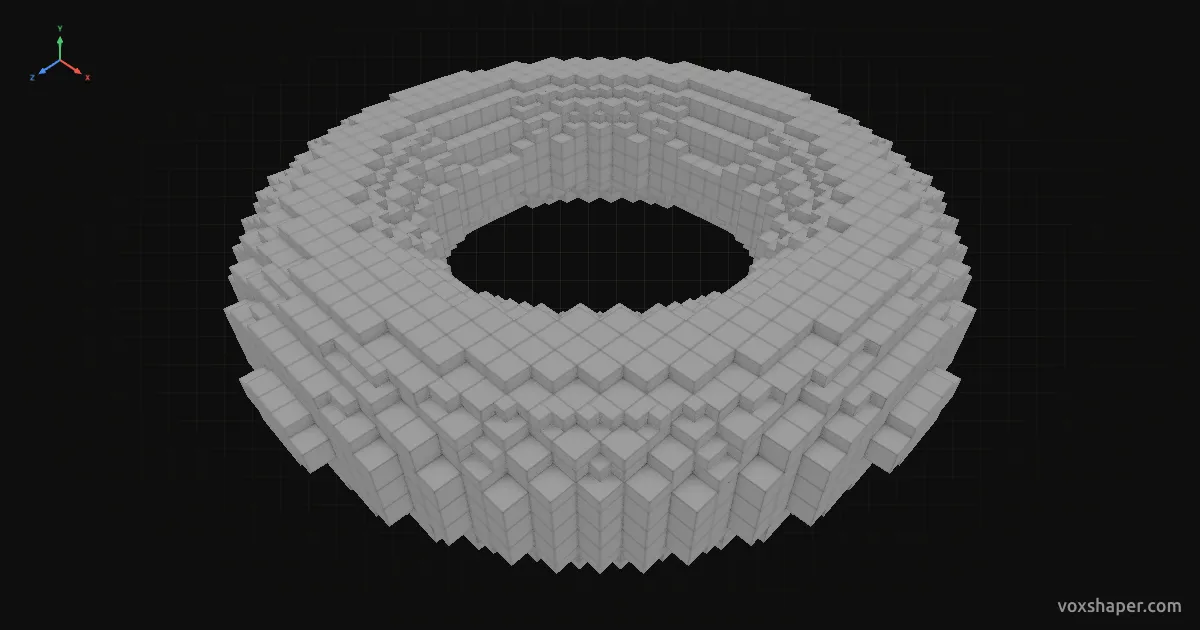
A torus is a ring with a round cross-section, like a tyre or a donut. In Minecraft it becomes a portal, a Ferris wheel, a space station or the moulding at the foot of a column. It is hard to get right by hand because the surface curves in two directions at once. VoxShaper shows you every layer.
Setting the shape
Radius X and Z are the outer dimensions of the ring. With equal proportions it is circular, with separate radii it is oval, for an arena or a race track. The ring thickness radius sets how thick the ring is. It reaches the centre at most, where the hole closes.
Ring thickness radius Y is half the height of the ring. If both thickness radii match, the cross-section is round. A smaller value makes the ring flat like a tyre, a larger one tall like a bead.
Upright, halved or hollow
Rotation stands the ring up: 90° gives you a portal or a wheel. Trim removes layers from the top or bottom. Half a torus lies flat on the ground and works as a plinth or the rim of a well. Hollow keeps only the outer layer, which saves most of the material on large rings.
Stairs and slabs
Built from full blocks, the ring jumps in coarse steps. Stairs and slabs fill those steps so the curve runs smoothly, outside and inside.
Build or export
Rebuild the torus layer by layer or download it as a schematic for Litematica, WorldEdit or the Structure Block.